
PlantConnect® VISION

Smarter Vision. Sharper Decisions.
Accelerate quality control with intelligent machine vision that ensures precision, traceability, and real-time actionable insights—empowering every production line to perform at its best.
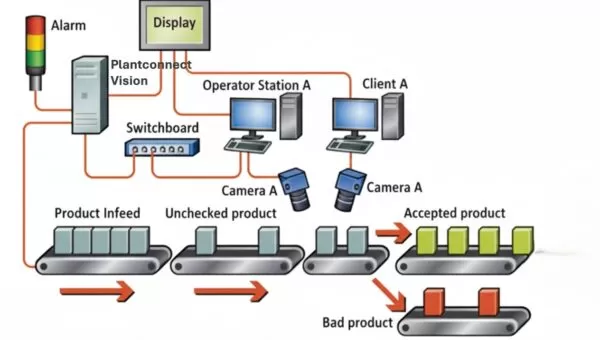
Why PlantConnect VISION?

AI-Powered & Accurate
Combines AI-powered and rule-based vision tools to deliver flawless quality inspection and defect detection, eliminating manual errors.

Configurable & Flexible
Supports user-defined tolerances, thresholds, and part-specific logic, making it adaptable to any industry or application.

Seamless Integration
Works with major industrial cameras, PLCs, and protocols (GigE Vision, USB3 Vision), for standalone setups or fully automated production lines.

Actionable Insights
Transforms inspection images into real-time, interactive dashboards and historical data visualization for smarter decisions.
Transforming Every Pixel into Insight.
PlantConnect VISION Modules

Anchoring Tool
Mark a constant reference region (anchor) on the master image to serve as a fixed point. It detects this anchor in each sample image and automatically aligns all other processing tools accordingly, ensuring accurate inspection despite part shifts or rotations.
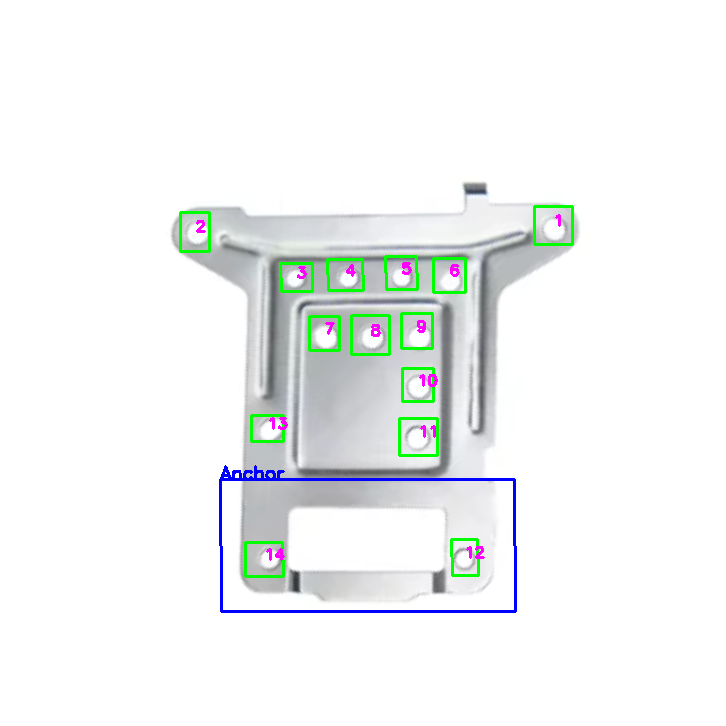
Master Image : With anchor
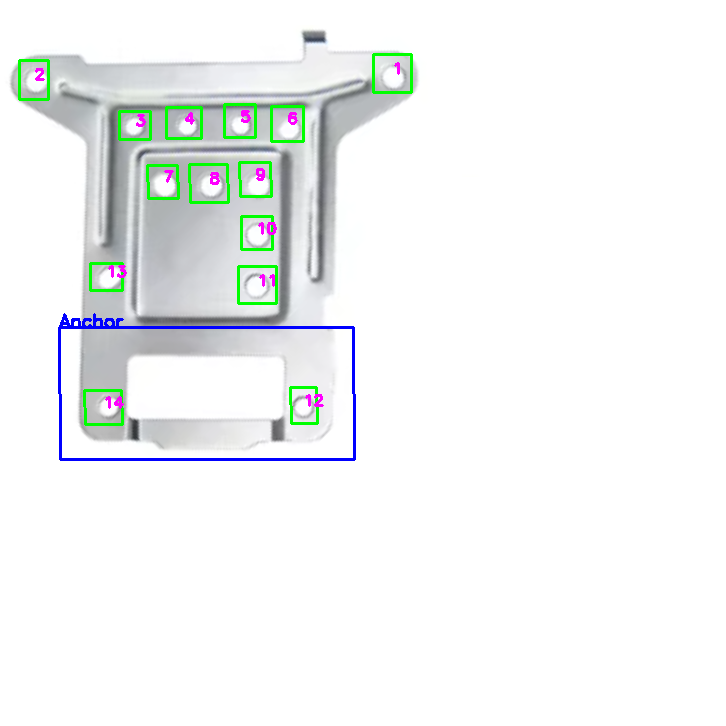
Shifted Image : Anchor identified
Rotated Image : Anchor Identified
Comparison Tool
A master image is configured for each part, with predefined inspection regions clearly marked. During inspection, these regions are compared with the corresponding areas in the sample image to detect and highlight any defects. The tool also handles presence and absence checks of specific objects within the image.

Master Image
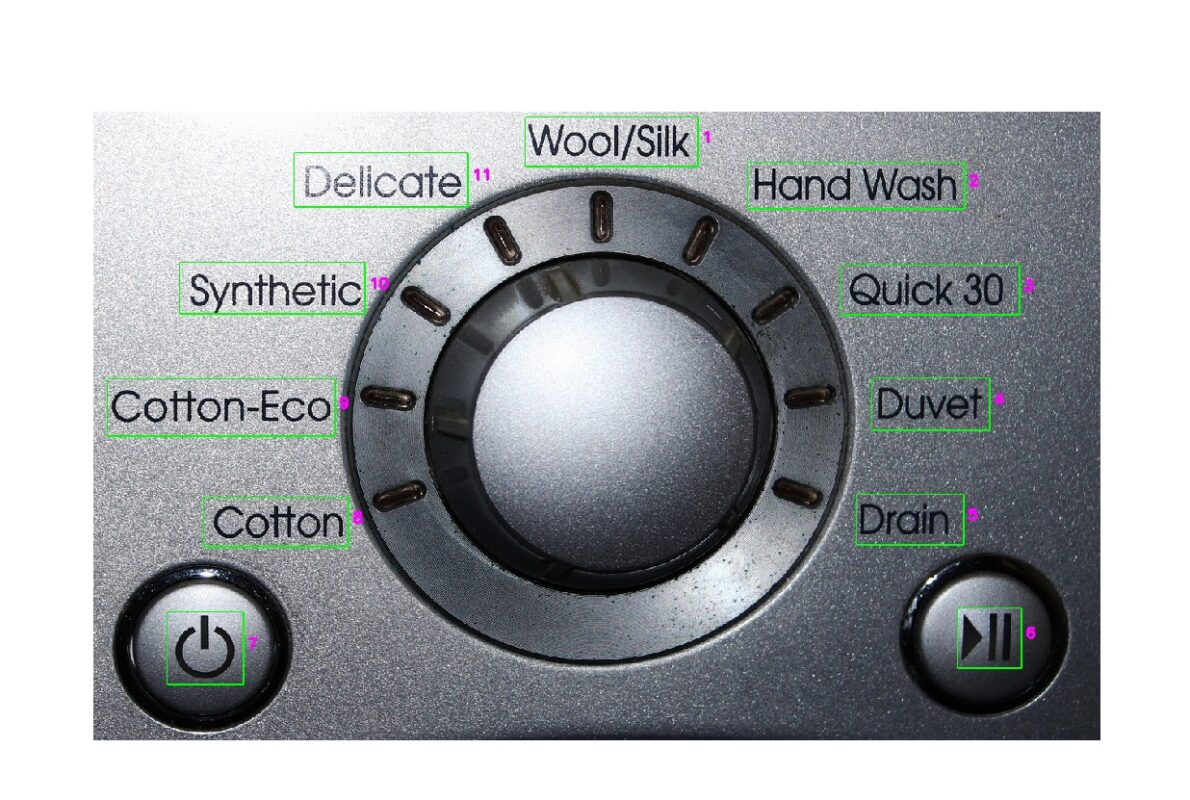
OK Sample with no defects
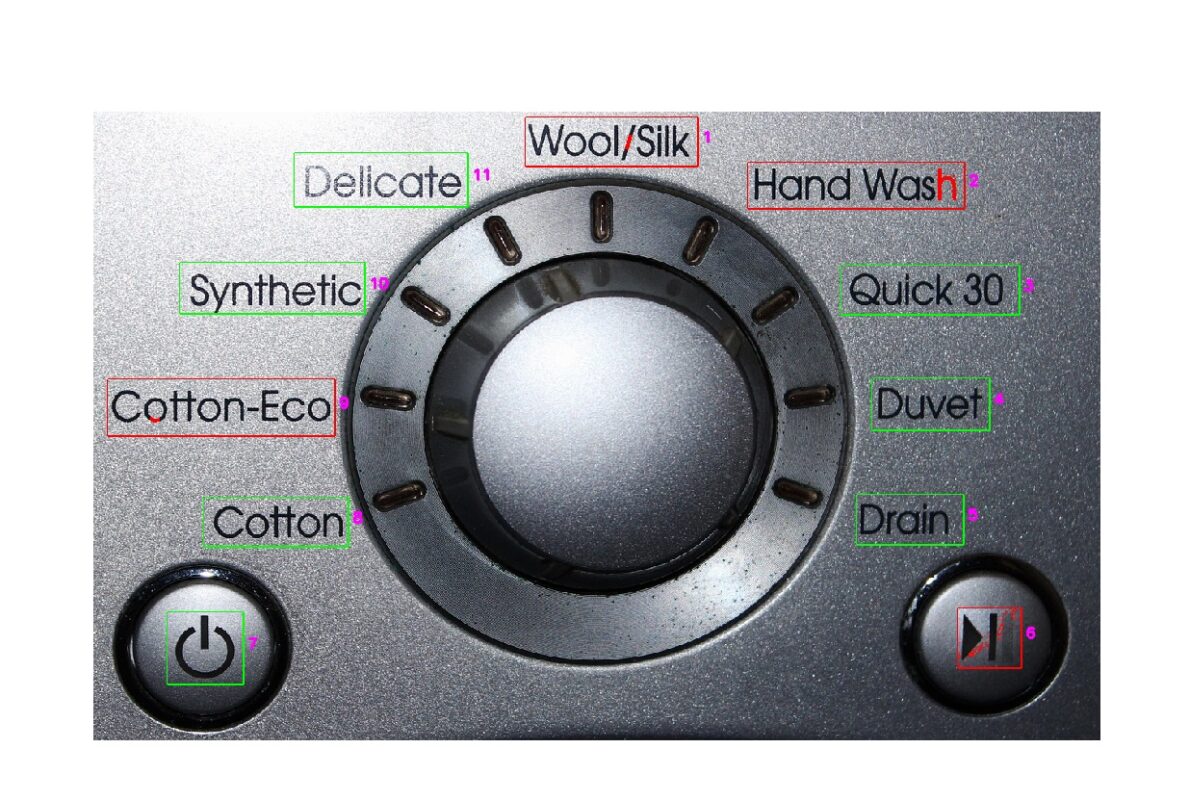
NG Sample with absent characters highlighted in red

Presence – Absence Detection
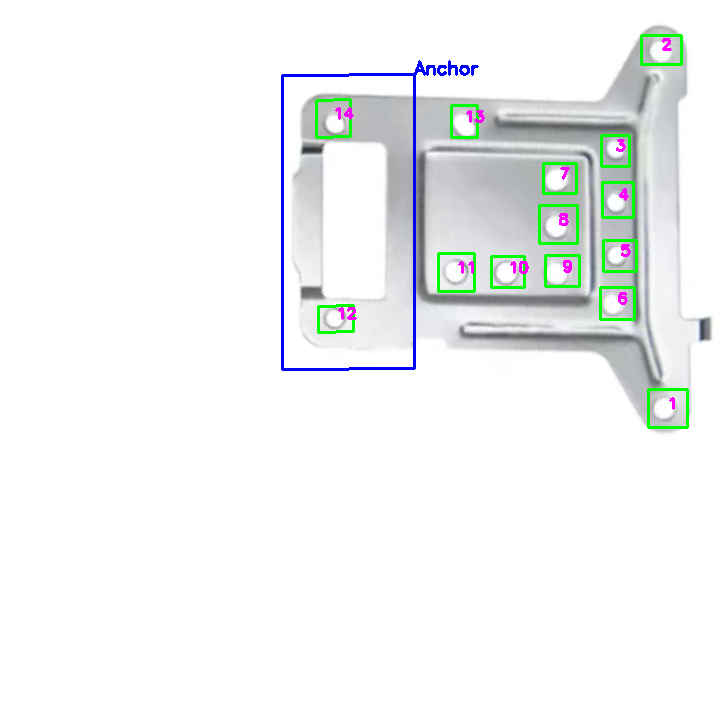
The tool checks whether the required objects marked in the master image are present in the sample image. Any missing objects are automatically detected and highlighted for further review or action.
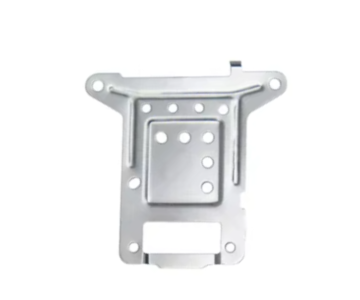
Master Image
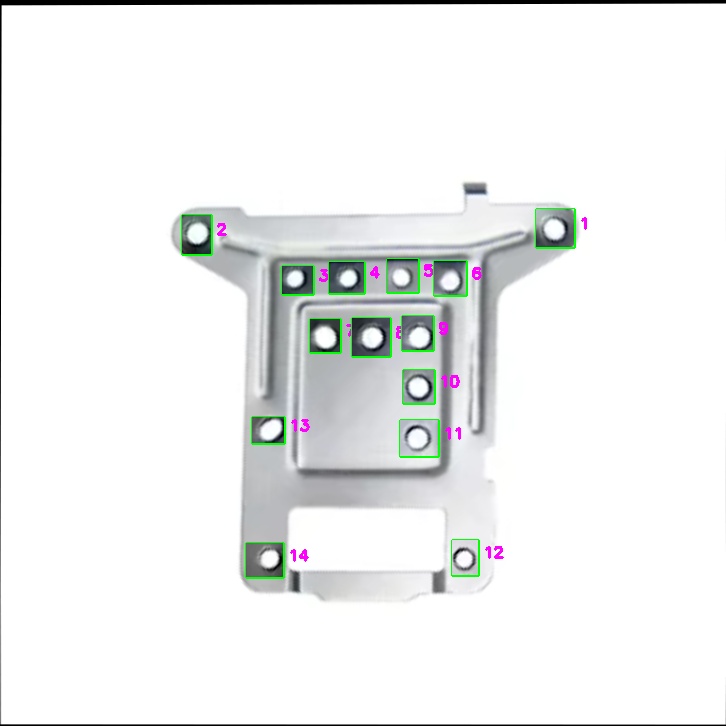
OK Sample with all holes present
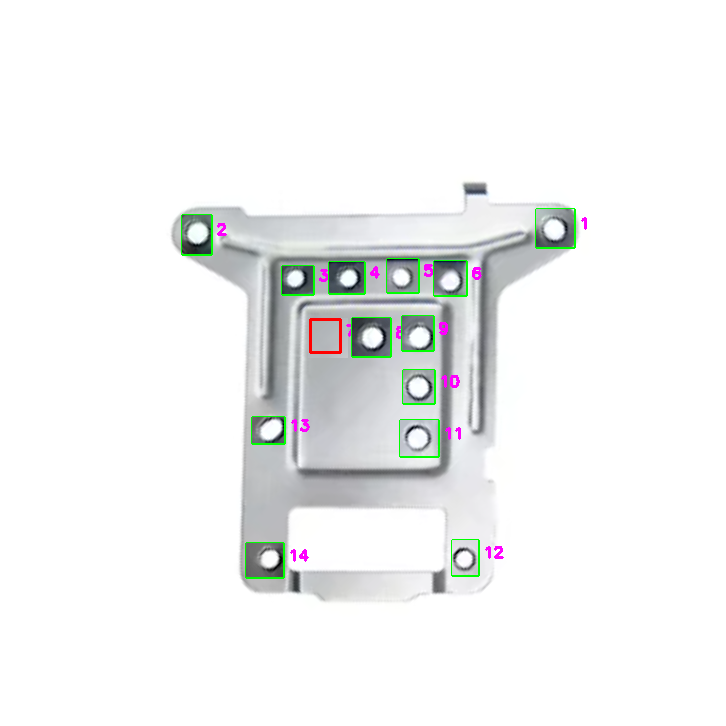
NG Sample with the missing hole identified and highlighted

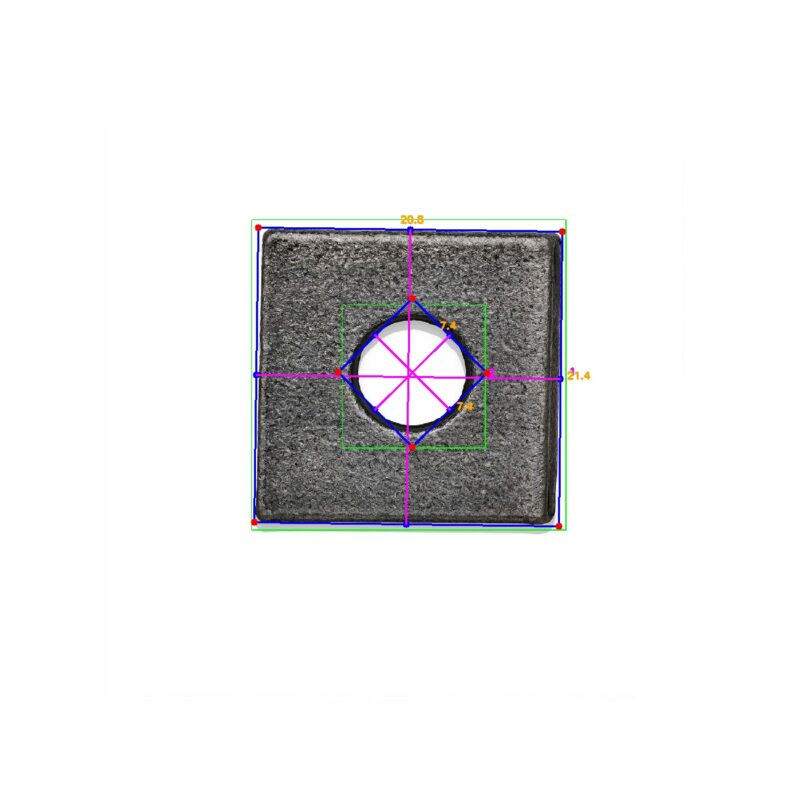
Dimensional Measurement
Detects and measures key dimensions (length, width) of objects within a defined patch using edge detection and contour analysis. Converts pixel distances to real-world units (e.g., mm) using camera calibration.
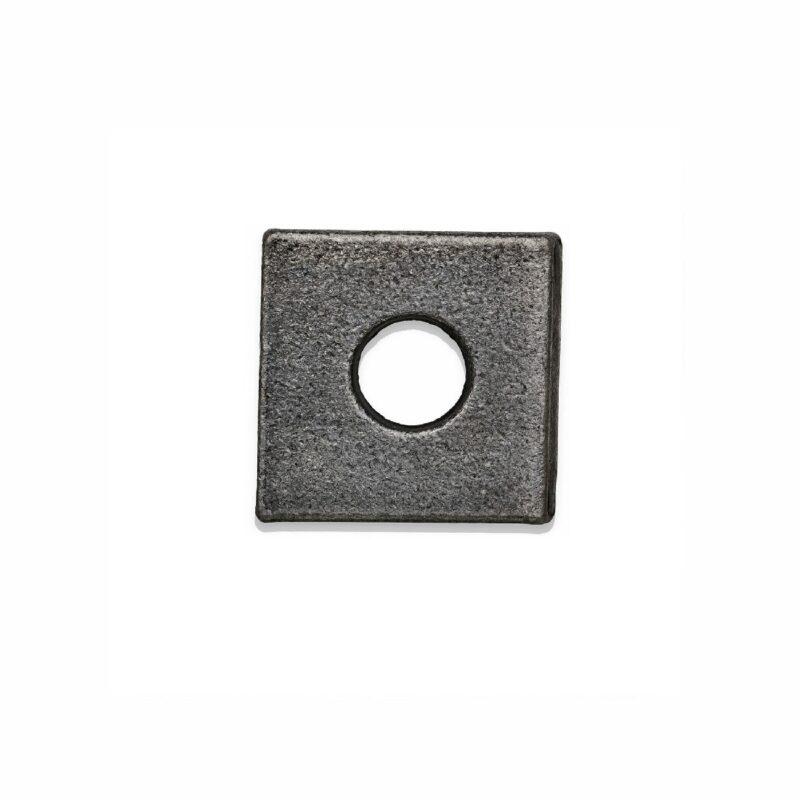

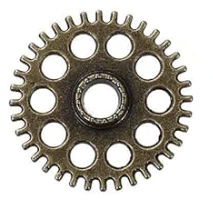
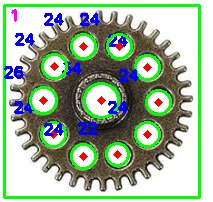
Circle Detection
Detects circular shapes within the inspection region and calculates their diameter and position. Uses calibrated scaling to convert pixel values to real-world units (e.g., mm)

OCR ( Optical Character Recognition )
The OCR tool accurately extracts text from the predefined regions of the image.

Reference Image

Characters extracted from the reference image

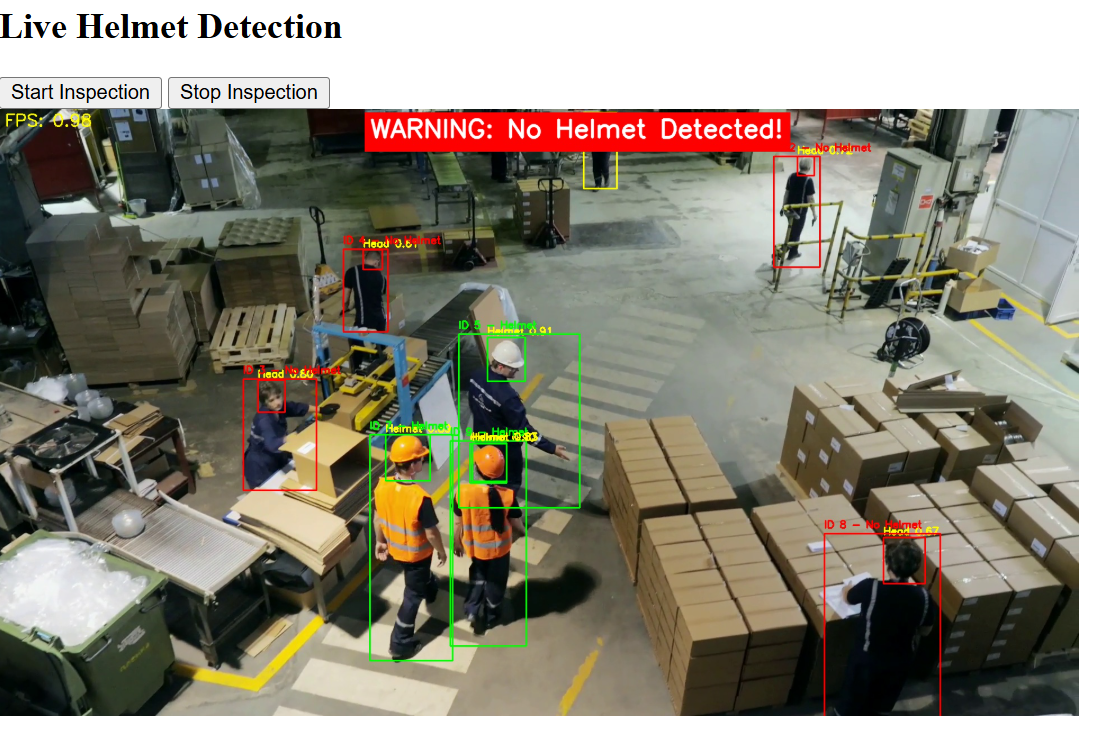
Workplace Safety Monitoring
1. The tool detects the presence of individuals on the shop floor using vision-based person detection. It also identifies the presence of personal protective equipment (PPE) such as helmets and safety shoes.
2. The system can be trained to handle custom use cases, including detection of unauthorized presence, clustering in restricted zones, or other safety compliance scenarios.
3. It can be integrated with existing surveillance camera infrastructure for real-time monitoring and alerts.

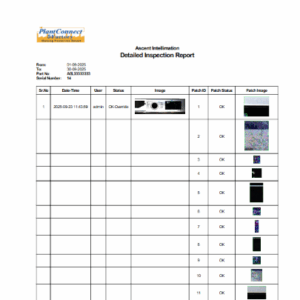
Reporting Tool
Data Management & Visualization
Centralized image logs and inspection outcomes
Configurable reports, alerts, and notifications
Historical trend analysis for process optimization
Interactive dashboards for operators, supervisors, and managers